From "what should we eat?"
to dinner on the table.
MealPlan keeps every recipe you love in one place, fills the week with you in a few taps, and writes your shopping list for you — so feeding your household stops living in your head.
Decision fatigue shows up at dinnertime.
It sounds trivial. But if you've ever spent twenty minutes "deciding" only to land on whatever required the least effort — you know the feeling.
The hard part isn't cooking. You already know how to do that. It's remembering what you know and actually picking something. MealPlan is a way to get that out of your head and into one place.
Three easy ways to fill a week.
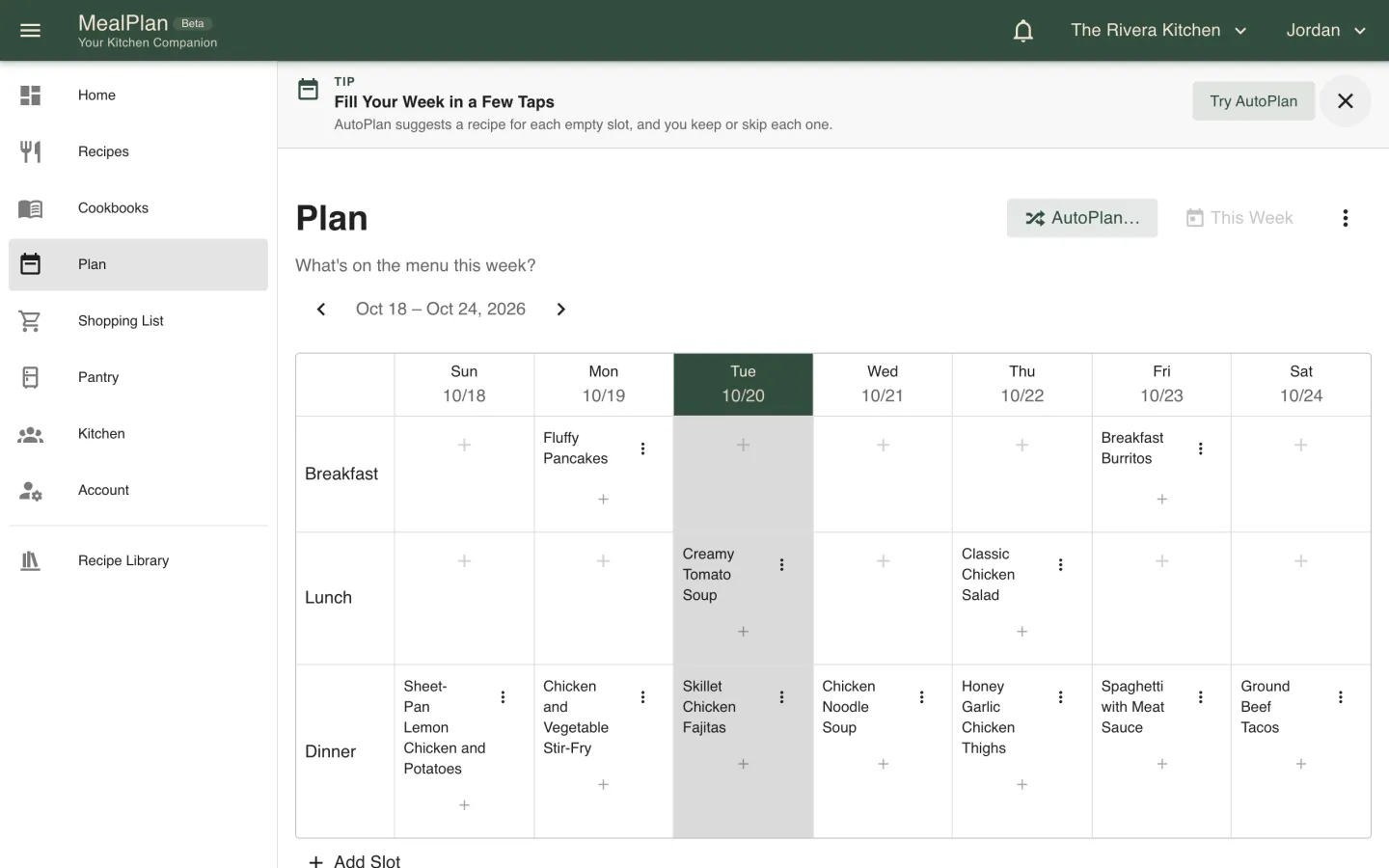
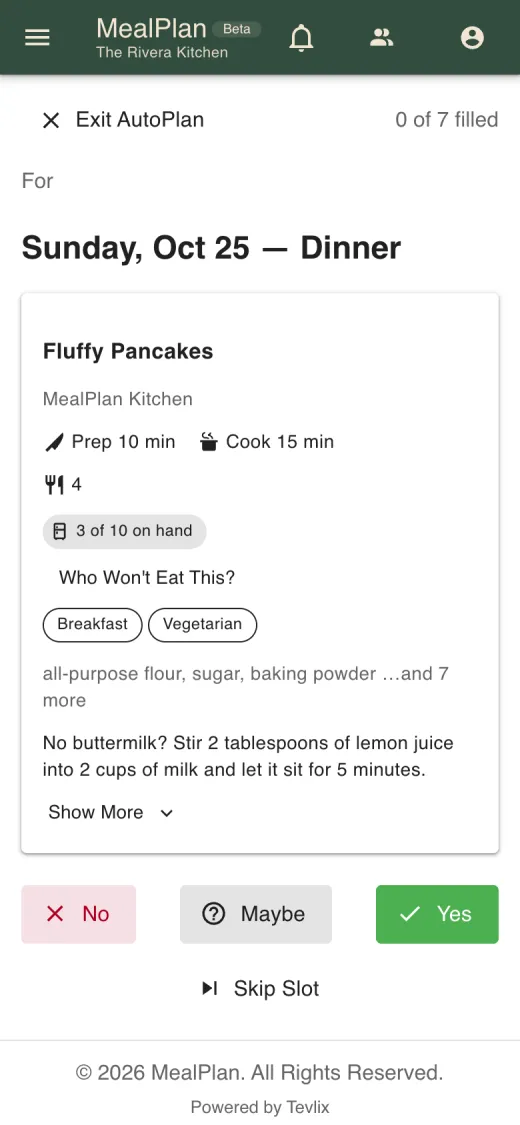
- Let AutoPlan suggest it. It offers meals from your own recipes, one night at a time, steering you off what you had lately and toward what everyone liked. Say yes, no, or maybe, and the week fills in.
- Copy last week forward. Most weeks look a lot like the last one. Bring it over in one go, then swap the night you're not in the mood for.
- Lay down a favorite week. Save a week you liked, or just a Taco Tuesday, as a template and drop it onto any week ahead.
The list writes itself.
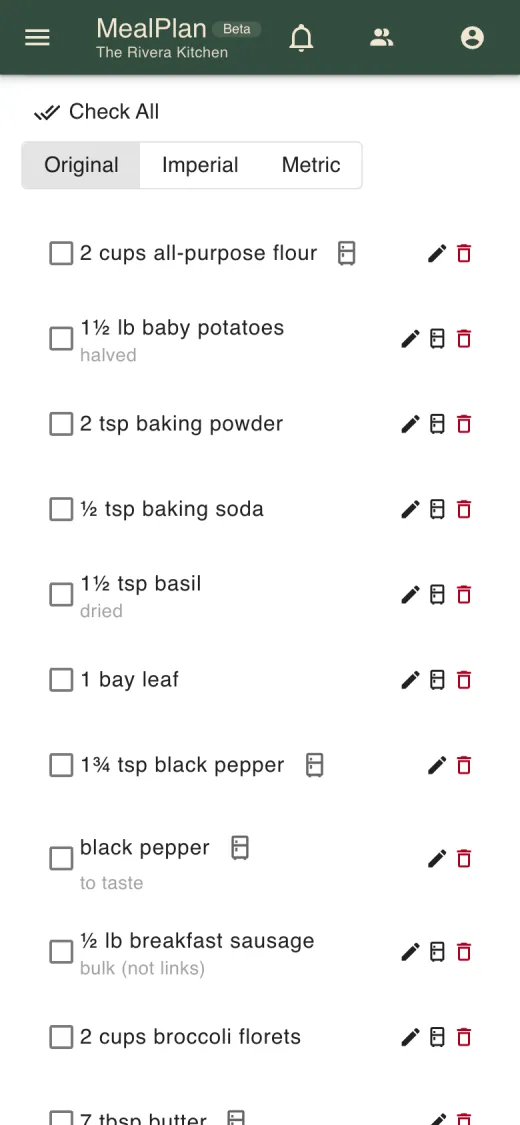
Everything you planned rolls up into one list, with the same ingredient combined across recipes. Staples you already keep in the pantry are flagged, so you buy what you need and skip what you don't.
Share the kitchen and everyone sees the same list, so whoever is at the store can check things off.
Bring in the whole recipe box.
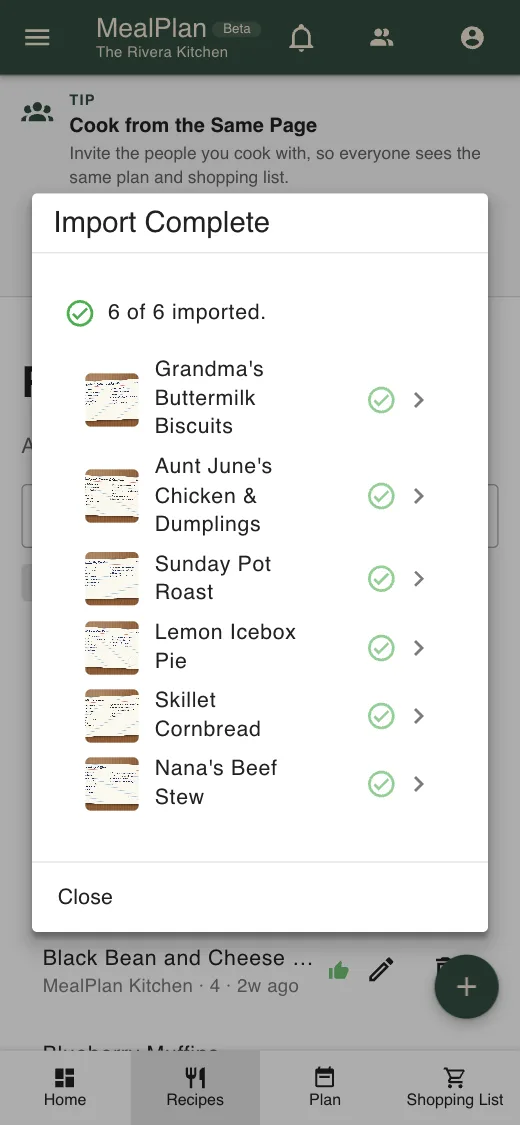
Photograph a stack of recipe cards and each one becomes its own clean, editable recipe, with the original card kept alongside it. Links, cookbook pages and documents come in just as easily.
Importing a whole stack at once comes with Premium; one card at a time works on every plan.
Everything the week needs, in one place.
-
Capture Any Recipe
Paste a link, snap a photo of a cookbook page, or photograph a whole stack of recipe cards at once. MealPlan turns each into a clean, editable recipe — so the ones scattered across screenshots, bookmarks, and index cards finally live together.
-
Start With a Few Favorites
New here? Add a handful of Starter Recipes in one tap and plan this week while your own recipes trickle in. Group them into cookbooks later, if that's how you think.
-
Plan the Week in a Few Taps
AutoPlan suggests, you decide. It remembers what you cooked recently and what got a thumbs-up, so it's easy to break out of the same five meals.
-
A Shopping List, Done for You
Every planned meal rolls up into one consolidated list. It even flags what you already have on hand, so you buy what you need and skip what you don't.
-
Share the Kitchen
Invite the people you cook with. Everyone sees the same plan, the same recipes, the same list — and Who Eats Here remembers who won't touch mushrooms, so it isn't all in one person's head.
-
Remember What Worked
Mark meals cooked or skipped and note the hits. Next week starts from what your household actually likes — not a blank page.
It's a short loop.
- Add the recipes your household already makes — paste a link, snap a photo — or start with a few Starter Recipes.
- Fill the week: let AutoPlan suggest, or copy forward a week you liked.
- Head to the store with a list that's already made.
Built for households that already cook.
The One Who Plans
You carry "what's for dinner" for the household and want it out of your head.
The Recipe Collector
Your favorites are scattered everywhere and you want them in one place, for good.
The Busy Weeknight Cook
You just want a plan and a list so getting dinner on the table stays quick.
Built by a family that cooks.
Hi, I'm Tyson. Nearly ten years ago, my wife and I were newly married and still in college, trying to figure out dinner in the gaps between work and school. I built a small prototype for us, and it served us well.
It's been through several versions since, and it's become MealPlan. Now we have four kids and life is busier than ever, so I'm glad to have it. Read the full story.
Ready to get dinner out of your head?
Create a Free AccountStill have questions? Read the FAQ.